

Google Ads can bring customers tomorrow, or burn the budget on clicks that never become customers. The difference is in the setup. Here you learn how the ad system works and how to start without guessing.
We cover the auction, the Quality Score that decides what you pay, the main campaign types, setup step by step and the mistakes we fix most often when we take over accounts. The numbers come from accounts we manage ourselves.
In Short
What You Will Learn
Google Ads is Google's advertising platform. You pay to appear at the top of the search results, usually only when someone clicks. Position is decided in an auction where your bid is multiplied by the quality of the ad. Start with a Search campaign on the words people use when they want to buy, and measure conversions from day one.
- How Google Ads work, from search to auction to click
- What Quality Score is, and why it decides what you pay
- The main campaign types, and which one to start with
- Setup step by step, from goal to first ad
- How to measure that ads bring customers, not just clicks
- The mistakes we see most often in self-managed accounts
What Is Google Ads?
Google Ads is Google's advertising platform. You pay to appear at the top of search results, in Google Shopping, on YouTube or on websites in Google's network, and you usually pay only when someone clicks.
The difference from SEO is time and control. With Google Ads you can be visible for a search tomorrow, and the traffic stops when you stop paying. With search engine optimization it takes months, but the visibility stays. Most businesses we work with use both.
How Do Google Ads Work?
Google Ads works as an auction that runs every time someone searches. You choose keywords you want to appear for, set a bid for what a click is worth to you, and Google decides in a fraction of a second which ads appear, and in what order.
The order is not decided by the bid alone. Google multiplies the bid by an assessment of the ad's quality, plus the effect of assets such as phone numbers and sitelinks. That means a better ad can rank above a competitor who bids more, and pay less per click.
Quality Score: Why Some Advertisers Pay Less for the Same Click
Quality Score is Google's rating from 1 to 10 on each keyword, and it is built on three things according to Google's own documentation: expected clickthrough rate, how relevant the ad is to the search, and how good the landing page is for the person who clicks.
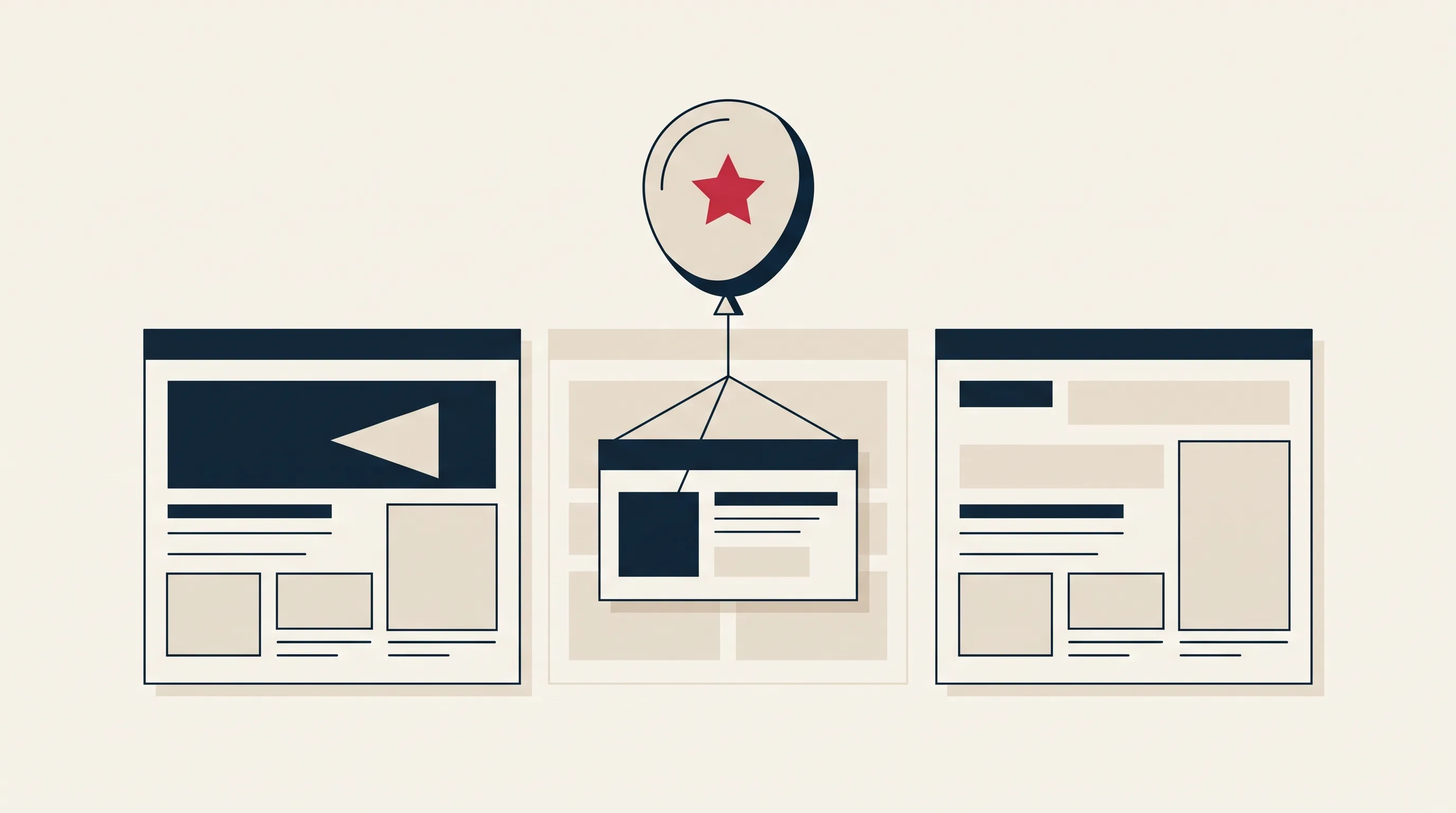
In practice, the ad, the keyword and the page you send people to must line up. If someone searches for "accountant Chicago", the ad should say accountant Chicago, and the page should be about exactly that. Not the home page.
The Main Campaign Types
Google lists seven campaign types in 2026: Search, Performance Max, Shopping, Display, Demand Gen, Video and App. They cover different parts of the buying journey, and App campaigns only matter if you have an app to promote. For a business that is just starting, Search is almost always the right first choice.
- Search: Text ads in the search results when someone looks for what you sell. Highest buying intent, easiest to measure. Start here.
- Shopping: Product ads with image and price, for online stores. Requires a product feed from the store.
- Demand Gen (formerly Display and Discovery): Image and video ads on YouTube, Discover, Gmail and websites in Google's network. Low intent, best for remarketing. Google is moving Display campaigns into Demand Gen from June 2026, and the rest migrate automatically afterwards.
- Video: Ads on YouTube. Suited to building awareness, rarely to generating enquiries directly.
- Performance Max: Google manages placement across every surface based on conversion data. Works only once the account has enough data to learn from.
How to Set Up Google Ads Step by Step
1. Decide What a Conversion Is
Before you create a single ad, you need to know what you want people to do: send a form, call, buy. That is what Google should optimize toward, and what you should measure the ads on. Clicks are not a goal.
2. Create the Account and Own It Yourself
Create the account in your own company's name, with your own billing. If you use an agency, the agency gets access to your account, not the other way around. Then you keep the history and the data if the partnership ends. That is how we work as a digital marketing agency too: the account is yours.
3. Choose Keywords With Buying Intent
Start with searches where people want to buy, not learn. "Emergency electrician near me" brings customers, "how to replace a fuse" brings readers. Use Google's Keyword Planner for volume, and add negative keywords for everything you do not sell, such as "free", "jobs" and "course". For a deeper method, see our guide to keyword research.
4. Build a Simple Structure
One campaign per service or product group, and one ad group per theme within it. Then the ad copy can match the keywords in the group, and you can see which services actually pay off.
5. Write Ads That Answer the Search
A responsive search ad has several headlines and descriptions that Google combines. Put the keyword in at least one headline, say what sets you apart, and use a clear call to action. "Fixed price, reply within an hour" beats "We are the best" every time.
6. Send Traffic to the Right Page
The landing page should be about what the ad promised, load fast and have one clear next step. If you send every click to the home page, you pay for visitors who have to search. That lowers Quality Score and raises the cost per click.
The landing page also decides how many clicks become customers. See how to get more customers from the traffic you have, with a method that works without A/B testing.
7. Set Budget and Bids
Set a daily budget you can afford to spend for a month without results, because that is the learning period. Start with manual CPC for the first month, so you see what clicks actually cost. Move to Maximize conversions once tracking works and the account has data to learn from. We wait until the account has around 30 conversions. Enhanced CPC no longer exists: Google retired it for Search and Display in March 2025, and campaigns that were not moved now use manual CPC. What the advertising itself costs, with click prices by industry and budget ranges, is covered in our article on Google Ads pricing.
8. Measure Conversions, Not Clicks
Set up conversion tracking before the first ad goes live, and connect Google Ads to GA4. Where privacy law requires consent, use Consent Mode v2 so Google can still model conversions for visitors who decline cookies.
What Google Ads Delivers When Done Right
We use two of our own clients as examples, because the numbers are documented in the accounts we manage.
For VuggeBaby, an online store for baby and children's products, we took over the Google Ads account in March 2026 and switched to a dedicated Shopping campaign, an improved product feed and remarketing. In two months, revenue from the ads grew 748 percent.
For a pharmacy chain we manage the account on a structure where every dollar in ads returned ten dollars in revenue, a ROAS of 10. Today the chain runs the account with its own team, on the structure we built. That is how we think it should be: you own the account, and you can take it with you. Both stories are on our Google Ads service page.
Common Mistakes in Self-Managed Accounts
- Broad keywords without negatives: The budget goes to searches you would never pay for, such as "free" and "jobs".
- Every click to the home page: Low relevance, low Quality Score, high cost per click.
- No conversion tracking: You see clicks and cost, but never whether the ads brought customers.
- Percentage fees to an agency: The agency earns more the more you spend, regardless of results. At Mementor, management is a fixed monthly fee independent of budget.
- Automating too early: Maximize conversions without conversion data is guessing. Run manual CPC until tracking works and the account has conversions to learn from.
Frequently Asked Questions
How much does Google Ads cost for a small business?
You control the budget, and there is no minimum that stops you. Most small businesses we work with start with $300 to $800 per month in ad budget, plus management. All the numbers are in our article on Google Ads pricing.
How long does it take for Google Ads to work?
Ads can show the same day the campaign is approved. Knowing whether they pay off takes longer: expect four to six weeks before the account has enough data to steer bids and keywords properly.
Do I need an agency to use Google Ads?
No, you can set up a simple search campaign yourself with the steps in this guide. An agency pays off when the budget is large enough that one hour of mistakes costs more than the management fee, or when you do not have time for weekly follow-up.
What is the difference between Google Ads and SEO?
Google Ads gives visibility immediately, and you pay per click. SEO takes months, but the traffic stays with no click price. Most businesses combine both: ads for high-intent searches now, SEO to build lasting visibility.
Can I advertise on a competitor's name?
Yes, bidding on competitor names as keywords is allowed in Google Ads, but you cannot use their trademark in the ad text itself. The clicks are often expensive and convert poorly, so start with your own service terms.
Where do I find Google Ads?
Google Ads lives at ads.google.com. Create the account with your company's own Google account, not a personal one or the agency's, so the business owns the account, the history and the data. The agency is added as a user afterwards.
Conclusion
Google Ads is not hard to start, but easy to waste money in. Decide what a customer is, measure it from day one, choose searches with buying intent, and send people to a page that answers the search. Do those four things and you are ahead of most accounts we take over.